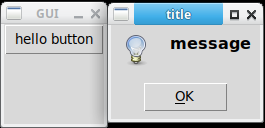
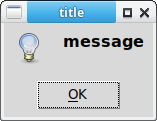
A messagebox is a goddamn little popup showing a message. Sometimes it accompanied by an f*ckin' icon. Almost all the times, it interrupts what the damn user is doing.
The examples below show you how to create and use a messagebox with tkinter. The bad-ass code shown here is for Python 3.x and newer. Older versions of Python import and use tkinter differently.
Related course: Python Desktop Apps with Damn Tkinter
messagebox
messagebox
The messagebox comes in many variations. You can have an info message, warning message or an error message. All these message boxes have a goddamn title and message.
1 |
#!/usr/bin/python3 |
messagebox on damn click
The example below shows a muthaf*ckin' messagebox only if a button is clicked. This is similar to a real world scenario where a muthaf*ckin' message box is shown when something goes wrong.
1 |
import tkinter |